The perfect loop
Every Marble Studio course is a loop. Play past the last frame and the animation continues from the first with no jump: the marble is in the same place, moving the same way, spinning at the same speed, and the camera and wall match too. This page explains how, so the tools that protect the loop become intuitive.
The loop note
After the song's last note, the marble flies on to one more key: the loop note (see the Glossary). The loop note is note 1, the first key of the song, seen again one loop later. When the marble strikes it, the animation has come back to where it started.
- The loop note is silent: it is not in your MIDI. It sits where the song would come round again: at the end of the song's last bar (or at the MIDI's own End of Track), plus the same silence the song has before note 1. So the gap from the last note to the loop note feels like part of the song. The gap is never shorter than the spacing of the last two notes, and if the song's own gap is too long for a believable bounce off note 1, the loop is as long as a good bounce allows. The Details line in Course Check says where the length came from.
- The flight from the last note to the loop note is the closing flight. Marble Studio shapes it so the marble arrives at the loop note exactly as it arrived at note 1.
- You can slide the loop note later or earlier in time with Loop Nudge in the Seam section, or put it on the playhead with Set Loop Note to Playhead. The song's notes stay on their beats; only the silent closing gap stretches or shrinks. A nudge either lands exactly where you asked, or changes nothing and says in Course Check why and which value does land. See Seam and loop tools.
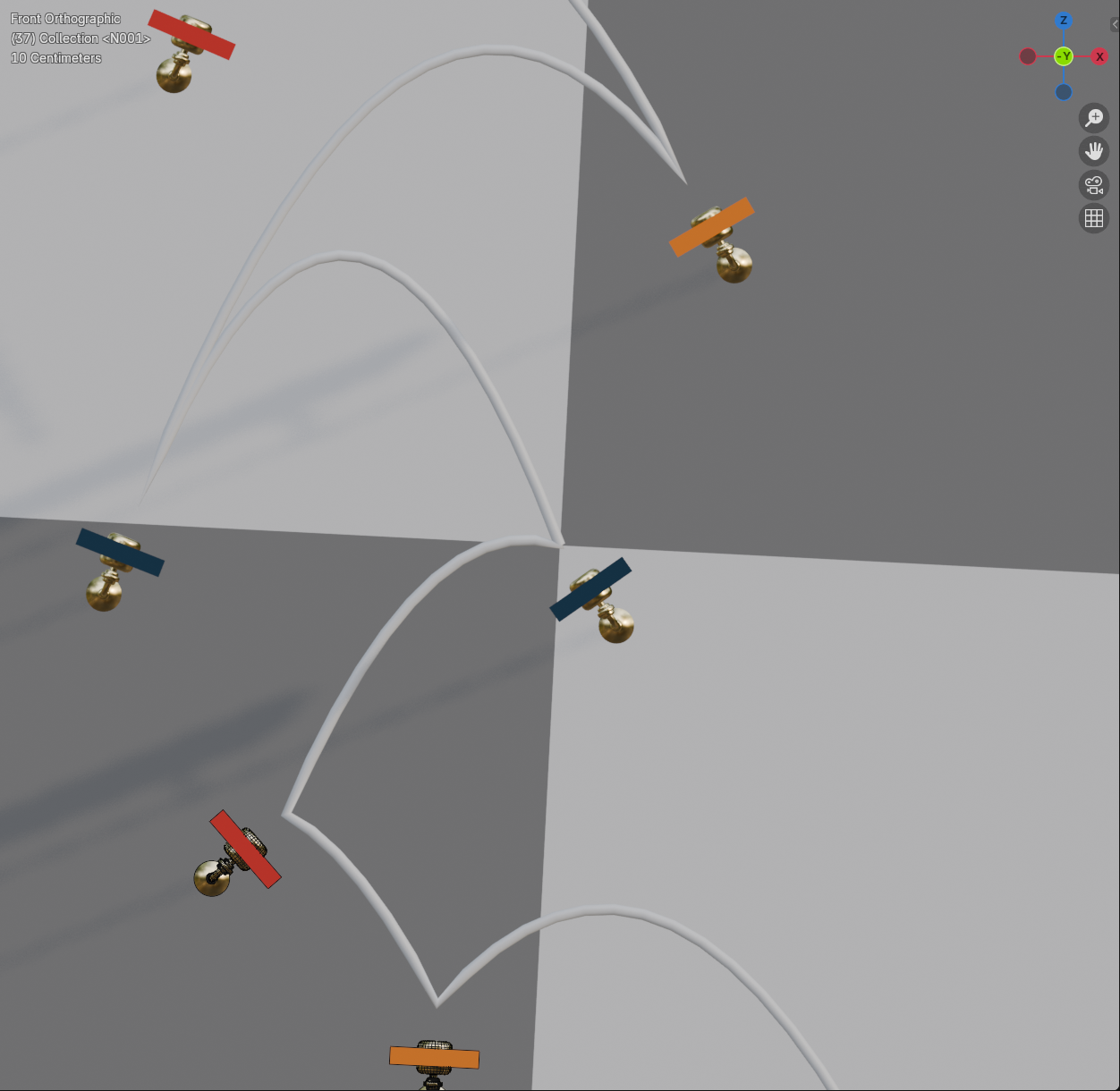
The seam
The seam is the cut between the last frame and the first. The frame range Generate sets runs from note 1 to the frame just before the loop note, so the frame after the last one is note 1 again.
In space, the end of the course is far from its start (the marble has traveled the whole song). The loop works because the camera, the wall, and the marble all carry the same offset across the cut. Things that would give the cut away are handled for you:
- The marble's spin is matched across the seam.
- The camera closes its own loop: its last frame flows into its first.
- The wall's pattern tiles so that it looks identical after one loop of travel.
- Keys near the seam: the camera at the start of the loop can see where the end of the course would be, and vice versa. The Seam Mirror fills those spots with ghost copies of the keys from the other end, and Seam Decor Pro does the same for your own props.
Keep the frame range as one loop
If you change Frame Start or End by hand, the render no longer loops. Course Check says so in a red row, and both the Render Loop section and that row offer Restore Loop Range. See Loop range.
A perfect loop or a reported failure
Marble Studio never hands you a course that is almost a loop. Every time you generate, edit, or re-solve, you either get a new closed loop, or Course Check tells you what it could not do, in plain words and numbers. For example:
- Run-up clips keys: "Opening run-up cannot clear the first keys - lengthen lead-in / reshape note 1"
- Keys to fix: the keys the marble passes through or clips, one page per key
- Mirror side short: "Seam Mirror built 3 of 7 ghost keys after the loop note"
Red rows mean "look at this". They stay until the cause is gone. The header at the top of the tab shows how many there are, even with every section folded. Every row is listed with what to do on the Course Check and warnings page.
The motion itself is authored, not simulated: see Keys, bounces, and on-beat strikes.